
Native gRPC and gRPC-Web
Run unary and server-streaming calls with request bodies, metadata, response history, trailers, and test assertions.
target: localhost:50051
method: demo.v1.GreeterService/SayHello
transport: native-grpc
Layang is a workspace-based API workbench. The first release focuses on protobuf and gRPC, with `.proto` browsing, gRPC/gRPC-Web calls, mock scenarios, benchmarks, generated docs, CLI automation, and a beta WebSocket workflow for early testing.
layang run ./workspace --env dev --reporter junit
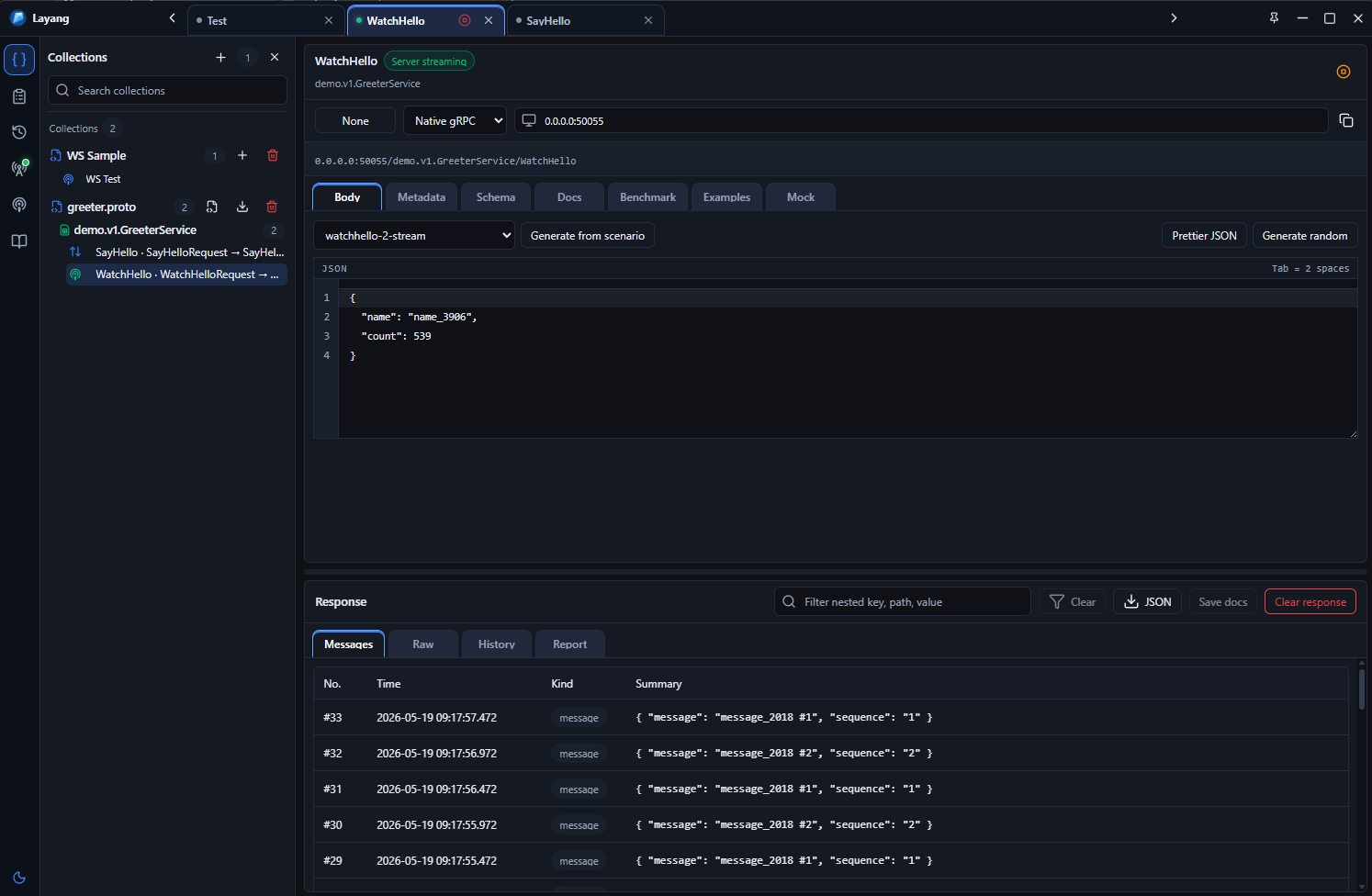
Proto files, requests, docs, mocks, environments, and history stay together.
Send gRPC and gRPC-Web requests, create mock scenarios, save examples, and generate docs from one workspace.
Import proto files, send calls, save examples, benchmark latency, generate docs, and keep everything in a workspace folder.
Run unary and server-streaming calls with request bodies, metadata, response history, trailers, and test assertions.
target: localhost:50051 method: demo.v1.GreeterService/SayHello transport: native-grpc
Create WebSocket requests, connect to ws/wss endpoints, send messages, inspect events, mock responses, benchmark latency, and publish beta docs.
Browse imported `.proto` files, services, methods, request messages, and response messages.
Run latency samples and export benchmark JSON reports for active methods.
Create Markdown or HTML documentation from proto files, examples, mocks, and latest responses.
Validate workspaces, list saved requests, check mocks, and run native gRPC requests from the CLI.
RC 2 introduces beta WebSocket collections for live client testing, desktop-managed mock responses, benchmark exports, and generated docs. The feature is ready for feedback and may still change before stable 1.0.
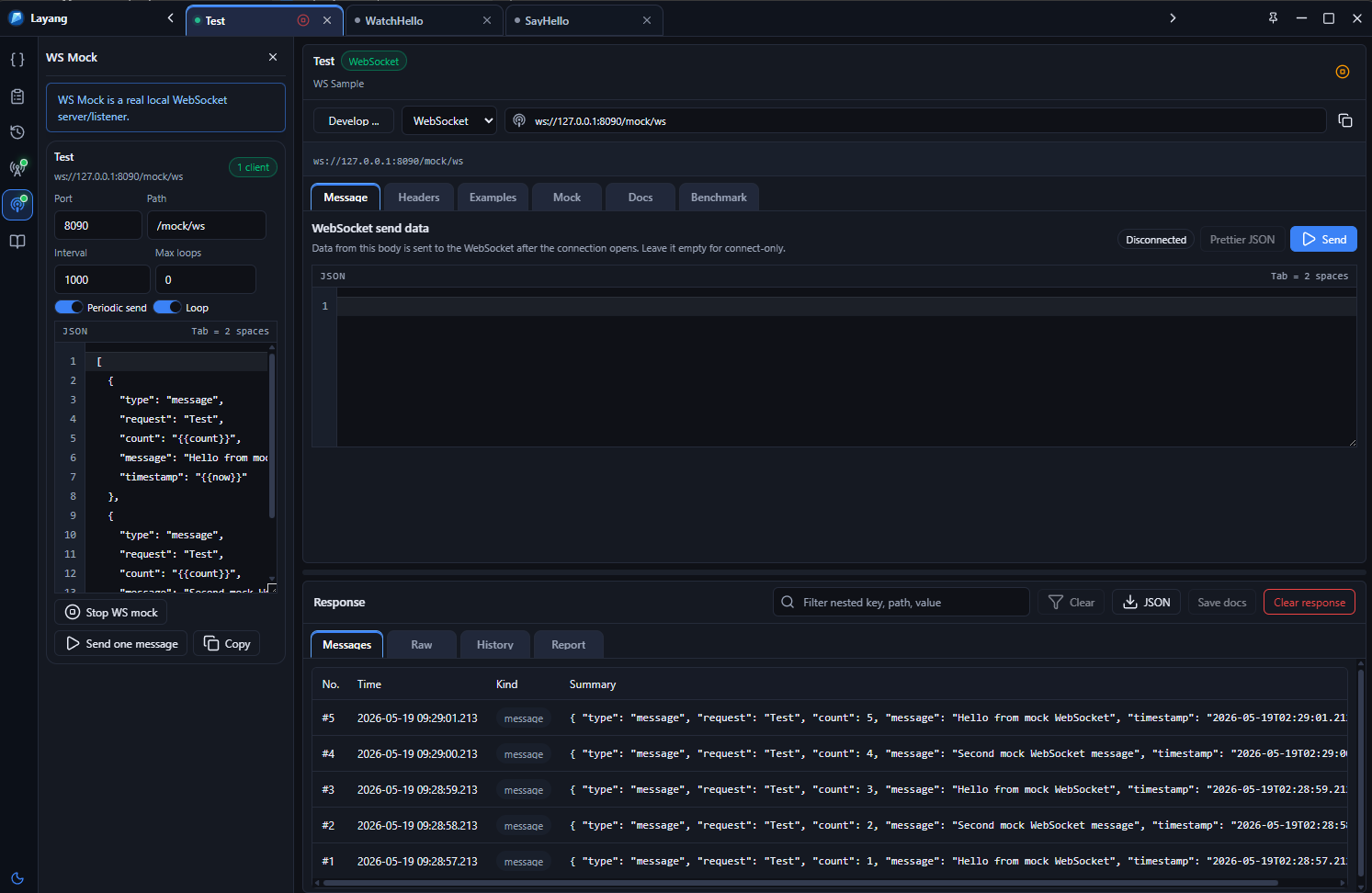
The desktop app can create or open a workspace folder. A workspace stores a snapshot plus Git-friendly files under folders such as `protos/`, `requests/`, `examples/`, `docs/`, `environments/`, `history/`, and `mocks/`.
protos/
  demo/v1/greeter.proto
requests/
  tabs.json
  items/
examples/
  examples.json
docs/
  published-docs.json
  saved-results.json
mocks/
  mock-server.json
  scenarios/
environments/
  environments.json
history/
  history.json
Enable mock behavior per method, choose active scenarios, and tune stream intervals, loop mode, and response sequences from the app.
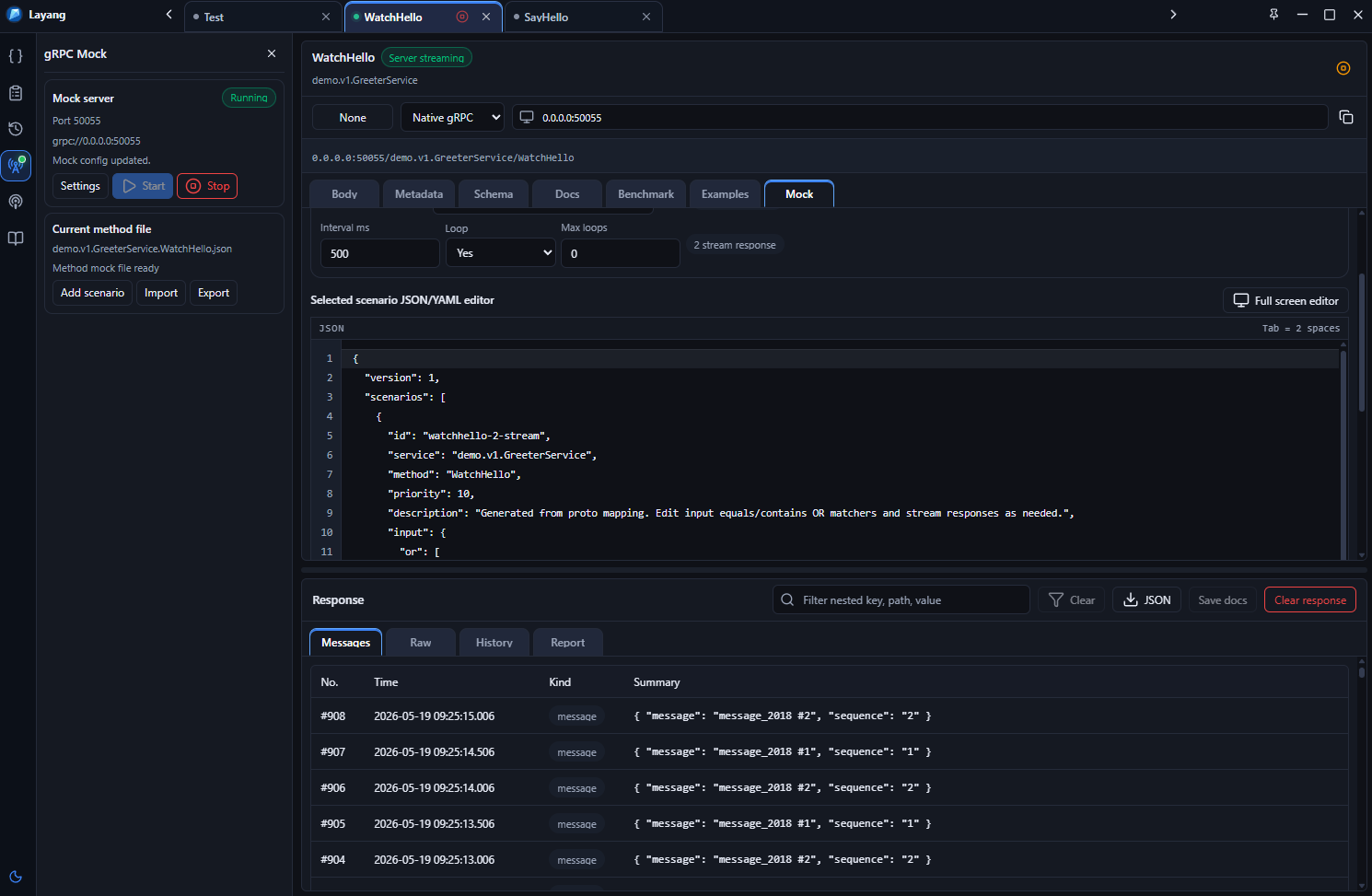
Keep mock behavior focused by storing scenario files per RPC method.
Set interval, loop behavior, and max loops for server-streaming responses.
Run a desktop-managed mock server for local clients and integration work.
Scenario JSON/YAML stays in the same portable workspace as requests and docs.
Layang can generate Markdown or HTML docs using proto metadata, saved examples, mock scenarios, and the latest saved responses.
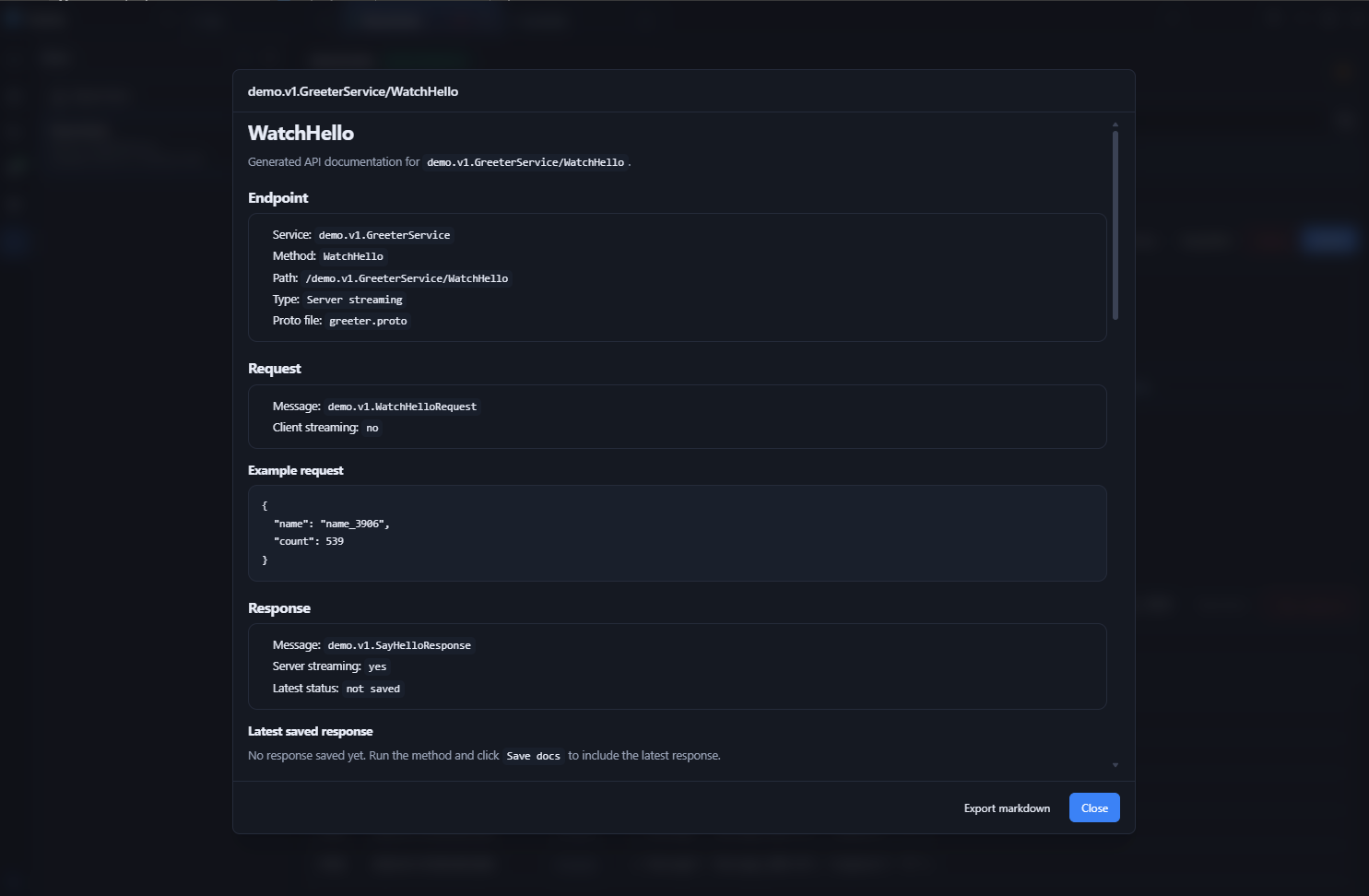
Keep desktop exploration and CI checks aligned. The CLI reads the same workspace files that the app writes.
layang validate ./workspace --json
layang list ./workspace
layang run ./workspace \
  --env dev \
  --reporter junit \
  --output reports/layang-junit.xml
layang mock:check ./workspace
Import proto files, run requests, edit streaming mocks, generate docs, benchmark methods, and automate checks in CI.